
 |
|
|
|
|
|
|
|
|
|
|
|
|
|
 |
|
||||||||||||
 |
 |
 |
|
||||||||||
 |
|
||||||||||||
 |
 |
 |
|
||||||||||
 |
|
||||||||||||
 |
 |
 |
|
||||||||||
 |
|
||||||||||||
 |
 |
 |
|
||||||||||
 |
|
||||||||||||
 |
 |
 |
|
||||||||||
 |
|
||||||||||||
 |
 |
 |
|
||||||||||
 |
|
||||||||||||
Instructions: Page 8
Acquiring the Necessary program for html editing
Since you may not have any experience working with html and building Web pages, it might be a good idea to acquire an html editing program. If you already have a Web design program (ie. Dreamweaver, Homesite etc) then by all means use it to edit the content of your ePortfolio. However, since these programs are usually expensive, you may want to download a free html editor rather than purchasing one of these programs. One easy to use program is Evrsoft First Page, which you can download for free and use to edit your ePortfolio content. Feel free to use any html editor that you are comfortable with, but if you would like a detailed set of instructions to follow, we recommend that you complete the First Page download and follow the corresponding instructions below.
Click on the link to download First Page and follow the instructions below:
- Click on the yellow Download Now button.
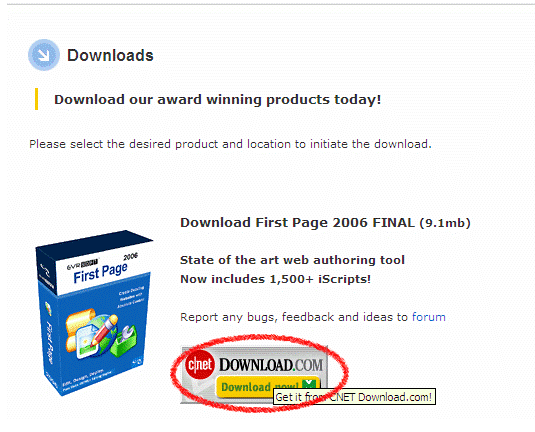
- This will take you to another download page. Click on the blue Download Now link near the top of the page.
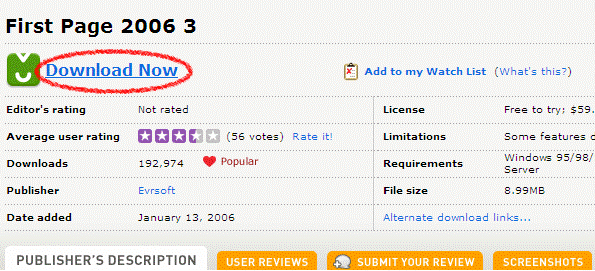
- Click on Run.
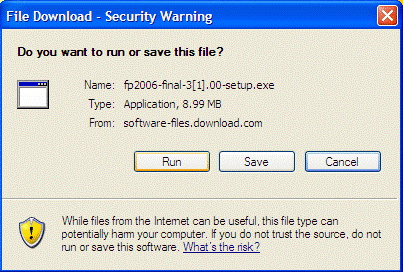
- When the download is finished, an "Unkown Publisher" warning will pop up. Ignore it and click on Run again.
- This will open the Evrsoft First Page Setup Wizard. Click Next to continue.
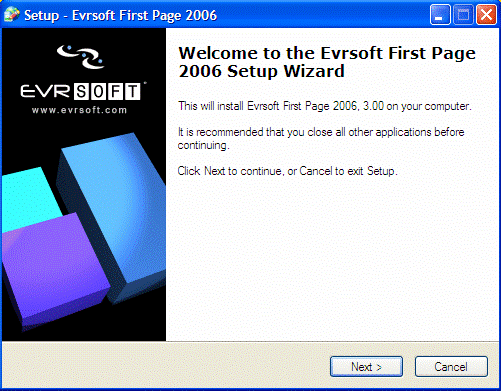
- Click on the I accept the agreement button near the bottom of the page after you have read the License Agreement. Click Next to continue.
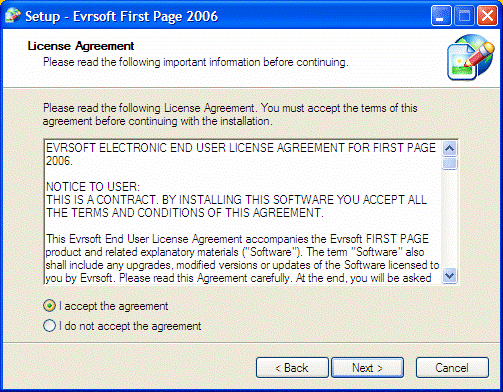
- Click Next.
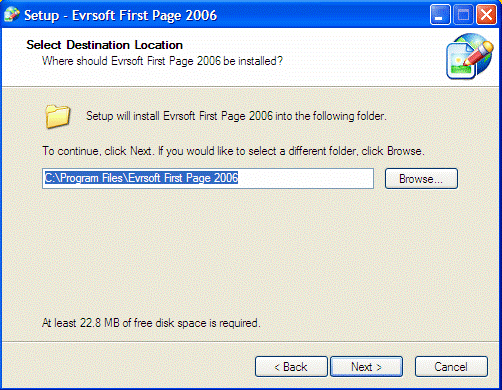
- Click Next again.
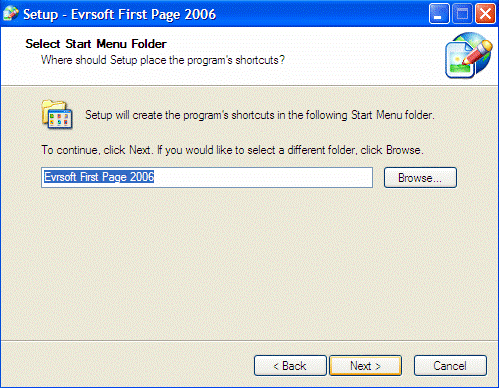
- Make sure that the check boxes are left unchecked (if you want First Page to have a desktop icon on your computer, make sure that box is checked). Click Next.
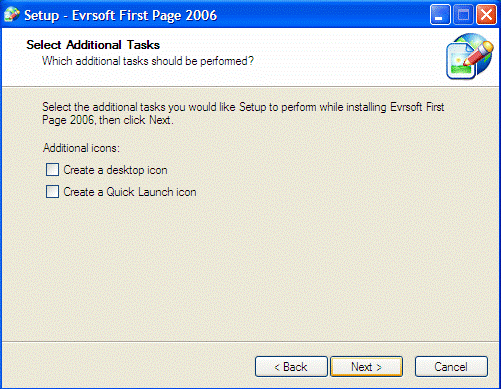
- Click on the Install button.
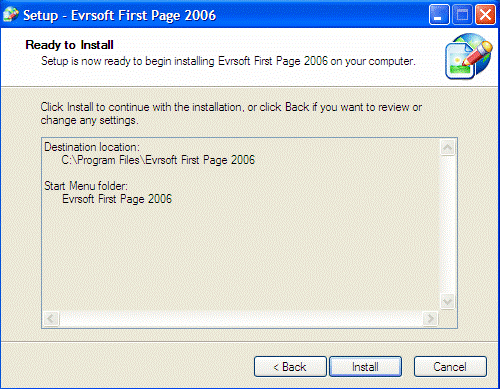
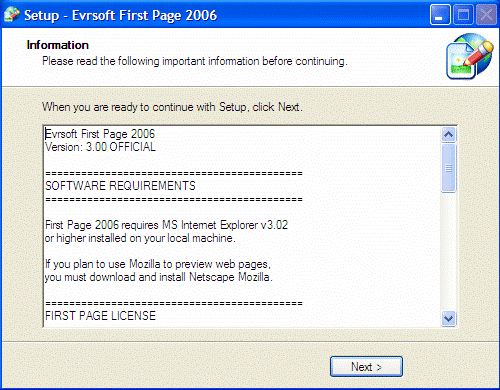
- After the installation is complete, read the information and click Next.
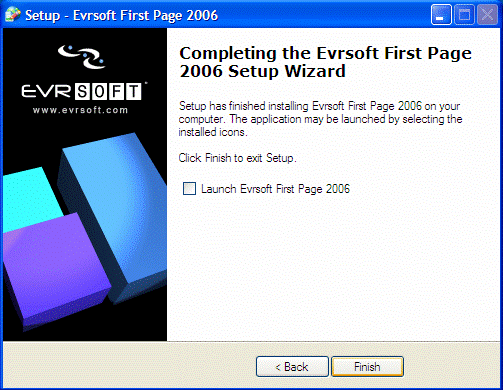
- Make sure the check box is left unselected and click Finish.
 |
Page | 1 | 2 | 3 | 4 | 5 | 6 | 7 | 8 | 9 | 10 |  |
 |